What’s inside.
Grouped the way you will use it: design and plan a garden, then grow and harvest it with Today, weather-adjusted tasks and a harvest log. Every picture on this page was captured in the app.
01 of 04
Design
See what your garden could become.

18 × 14 m
Design any space
- Beds, planters and pots
- Raised beds, ground beds, planter boxes and pots, sized to the centimetre, with readouts in metric or imperial.
- Hard landscaping
- Patios, decks and paths as paving shapes; fences, hedges and walls drawn straight onto the ground, with gates.
- Structures you can enter
- Greenhouses, sheds and pergolas. Step inside a greenhouse and the near walls cut away so you can plan the benches.
- The rest of the garden
- Birdbaths, benches, tables, compost bins and fire pits.
- Your plot’s real outline
- A rectangle or any polygon, dragged to fit; the ground reshapes as you go and anything outside the line is flagged.
Balconies, patios & rooftops
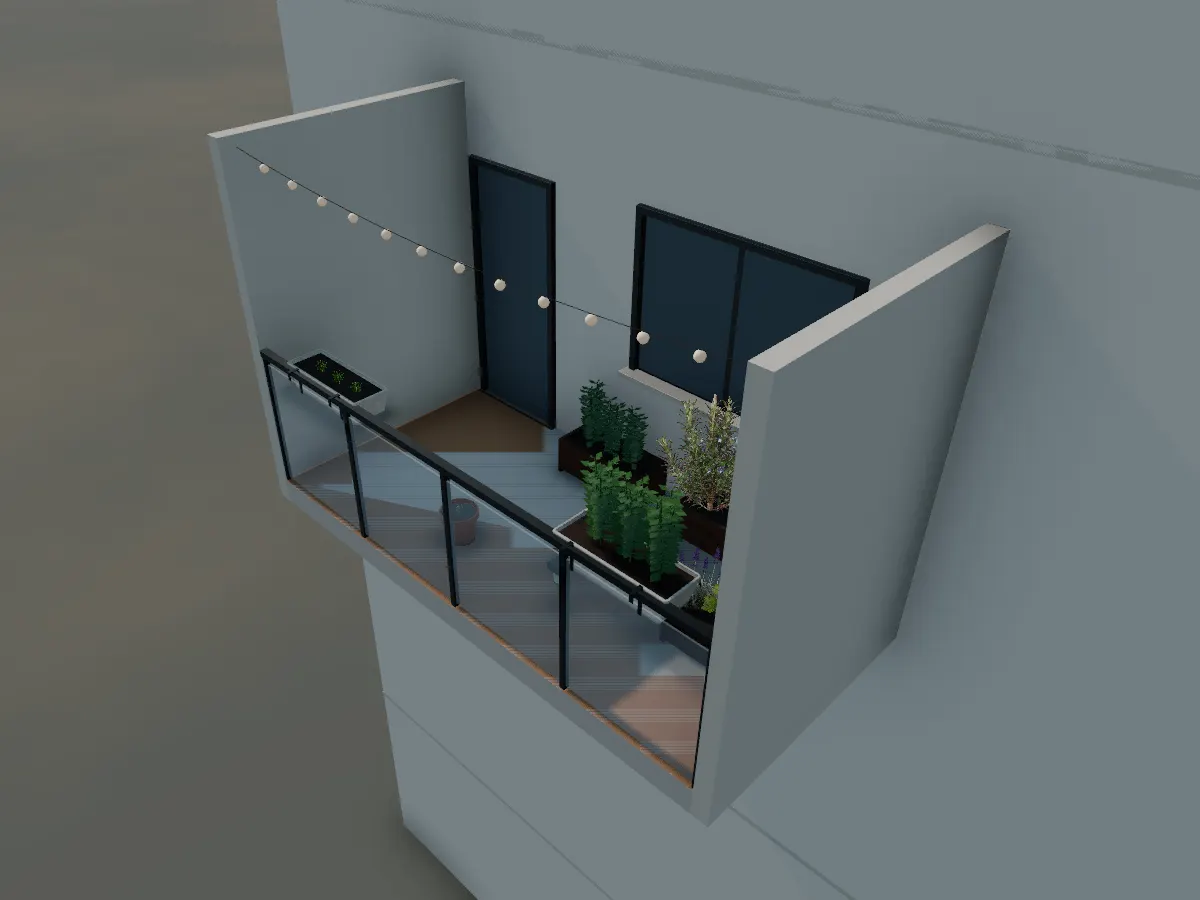
Herb Balcony starter, 4 × 2 m 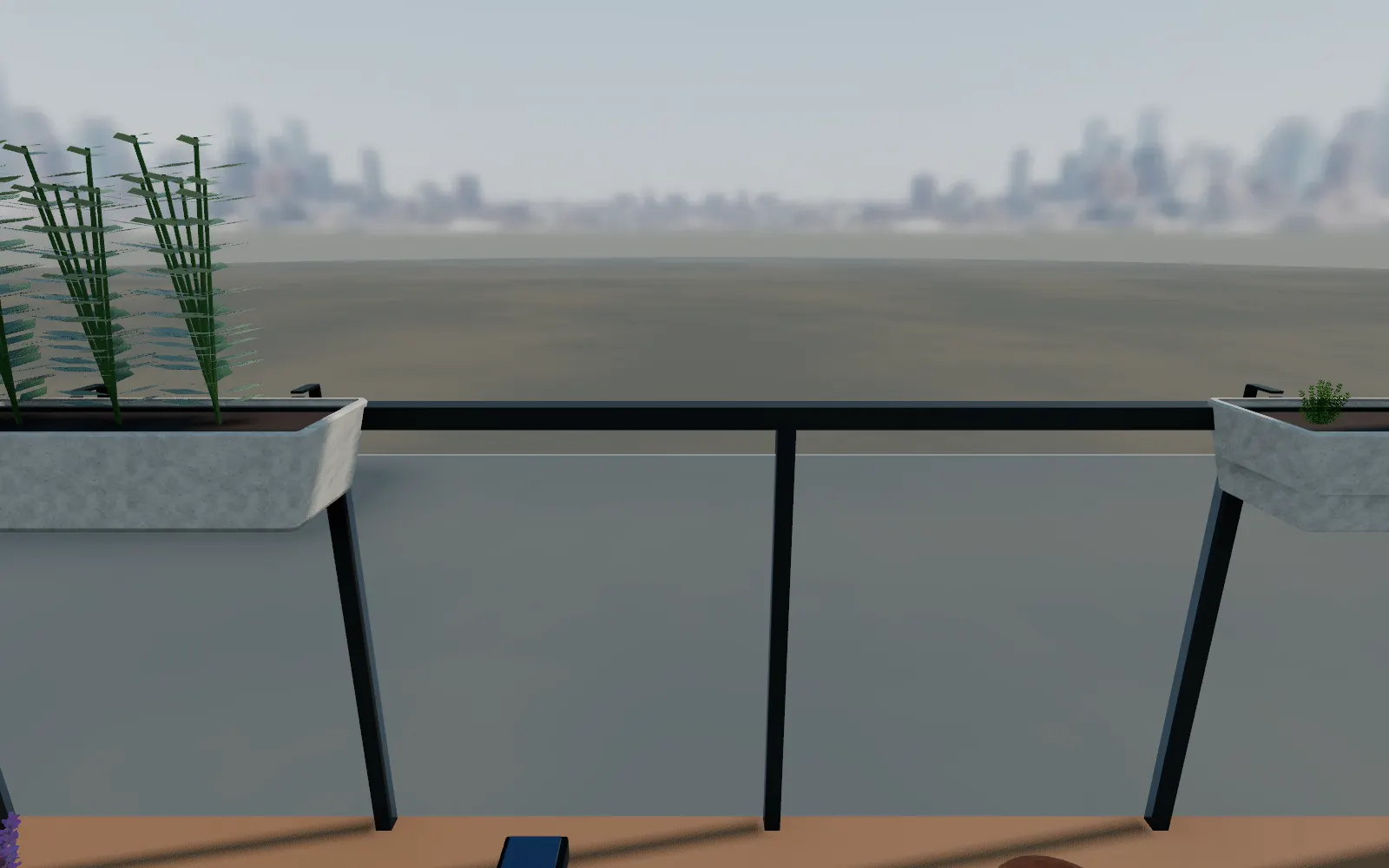
Eye level on the balcony, city backdrop 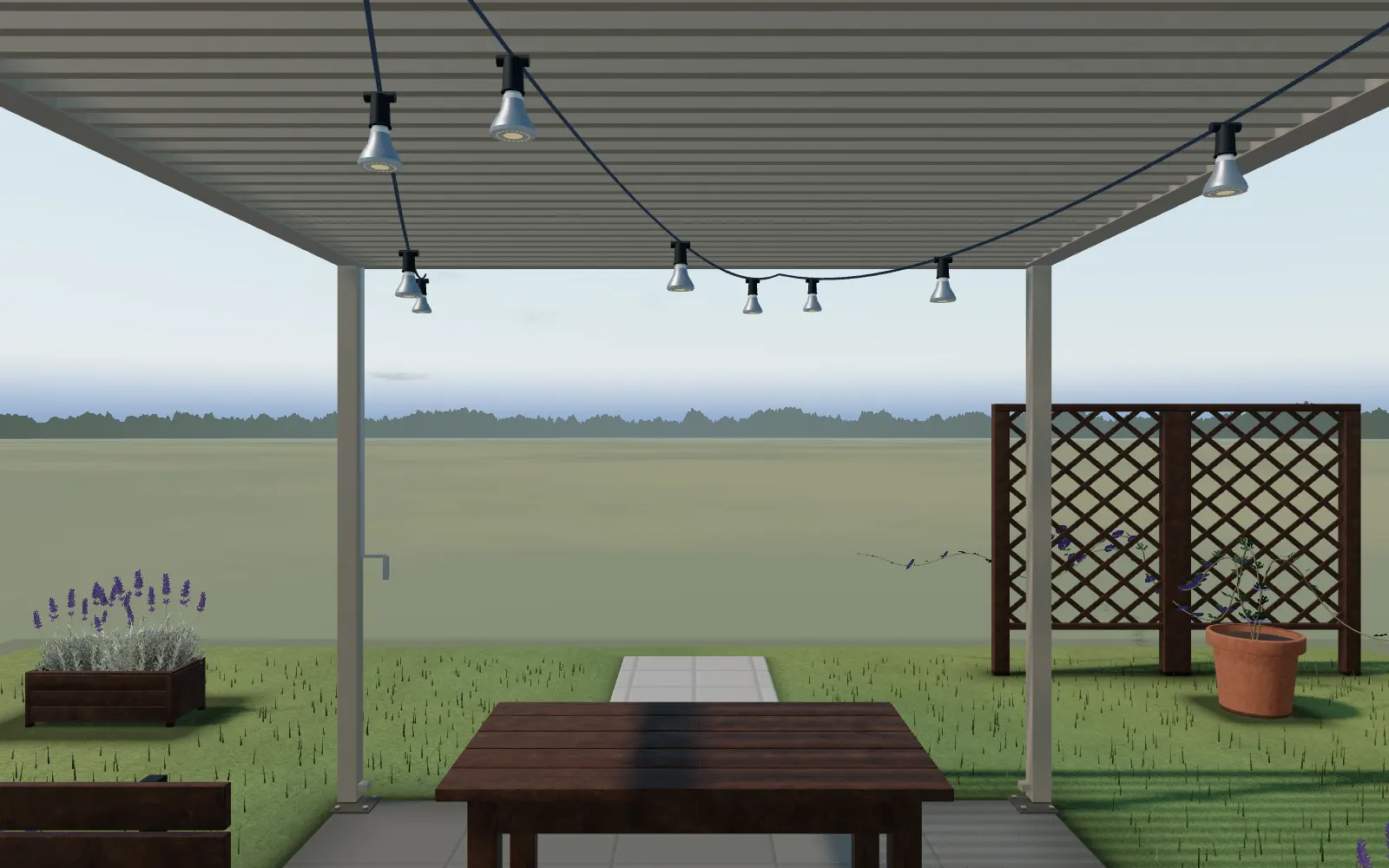
Eye level under the patio pergola, countryside backdrop


- One shared small-space system
- Balcony, patio, deck or rooftop are settings of the same shell, each with a real backdrop: city, sea, greenery, suburb or countryside.
- A building wall and a railing
- Glass, bar, solid or parapet railings, plus a soil-weight load limit for what you place.
- Railing planters
- The same plant catalog as the garden, in planters that hook over the rail.
Indoor and under glass
- Grow rooms and tents
- Lay out a room or a tent in the same model as the garden.
- Hydroponics
- Racks, towers and reservoir systems for growing without soil, at real scale.
- Grow lights
- Set the hanging height and see how much light reaches the plants below, from the maker’s own published data.
- Climate equipment
- Fans, vents, heaters and coolers, each with its own power budget so the circuit does not overload.
02 of 04
Plan
Know exactly what to grow, where and when.

Plants and trees that change
- 106 garden plants
- Vegetables, herbs, flowers, perennials, grasses and shrubs, each drawn from a real image, model or plant generator, with spacing, sun and water needs and time to harvest.
- 39 tree species
- 24 of them North American natives. Each keeps its own calendar of blossom, full leaf, fruit, autumn colour and bare branches, turned around for the southern hemisphere.
- A tree age control
- Set any tree from a one-year sapling to 40 years and it is drawn, and casts shade, at that size.
- Climbing plants
- Trained onto trellises, pergolas and walls.
- Houseplants
- Houseplants grow in their pots month by month as you move the calendar.
Sun, water and the calendar


- Sun and shade
- Hours of direct sun across the garden from your real latitude, blocked by your own house, structures and trees.
- Time and month
- A time-of-day scrubber and a month picker move the sun, the shadows and the trees together.
- Lights itself at dusk
- Solar path lights and a fire pit switch on as the sun goes down, no setup needed.
- Ponds, pools and irrigation
- Ponds, pools and sprinkler or drip irrigation zones you can schedule.
- Frost dates
- Average first and last frost for your location, from NASA POWER daily records since 2000, with the source shown.
- Sowing suggestions
- When to start seeds indoors or sow outside for the crops you placed, worked out from those frost dates. Suggestions, not reminders.
- Live weather
- Current conditions for your garden’s location.
Real products, not props


- Real structures and equipment
- Pergolas, a fire pit and grow-light fixtures modelled to their real dimensions and specifications, from our own catalogue.
- Shopping list
- What you placed becomes a list of what to buy.
- Printable garden plans
- A separate small shop of printable plans and calendars, each one opening in the planner.
Take the plan off the screen

The plan. Every bed, path, tree canopy and plant key, drawn to scale with the dimensions that matter.
- Plan sheet
- A scaled drawing with dimensions, legend and a full plant schedule, as PDF, SVG or PNG. Made on your device, free, no watermark.
- Photo renders
- GrowDraft renders a photo of any view of your design, within the daily allowance it shares with scans and sketch reading (6 a day, 30 with a free account). It is an illustration; build from the plan.
- Saving and sharing
- Autosave in the browser needs no account; a free account adds cloud save across devices, read-only share links, and is what any future premium features will sit behind.
- Project file
- Export and re-import a project file any time, independent of the browser or an account.
03 of 04
Grow
A few minutes of clear help each day.
Wildlife and weather


- Birds
- 18 species, matched to your region and the season, coming and going through the day.
- Snow, rain and frost
- Weather effects on plants and surfaces, including frost damage on tender plants.
- A rainbow after rain
- When the sun is at the right angle for one, it shows up, then fades.
Today, adjusted to your weather
- Start growing
- Turn your plan into dated sowing and planting steps for your household and your frost dates, then print it or save it as a PDF.
- Today
- A short list of what the garden needs right now, sowing, planting out and the rest, drawn from your plan and shown only once its date arrives.
- Held back by the forecast
- A task can wait a few more days when the weather is against it, with the reason shown, rather than tell you to do it anyway.
- Step-by-step guidance
- Each task opens into why it matters, what to do and what to look for, drawn from university extension and RHS sources rather than invented.
- Reality checks
- Short questions at germination and again a few weeks in, "Did it germinate?", "How does it look?", so the plan adjusts to what actually came up.
- What this garden needs
- Finish a step and it lists what that step actually needs, generic items, never a brand.
04 of 04
Harvest
Fix problems and get to harvest.
Fix problems and get to harvest
- A prompt when it is ready
- Today tells you when a crop should be ready, with "Show me how to harvest" and the reason behind that date.
- Log what you picked
- Mark it harvested and say how much: a little, about what you expected, or lots.
- Shown on the plant
- Once logged, that plant’s own panel shows what was harvested and when.
- First-harvest dates in your plan
- The printable growing plan marks when each crop should be ready, alongside when to sow and plant out.
Not built yet
- Coming soon: one timeline for time. Today the time of day, the month, the growth year and each tree’s age are separate controls. A single play button that runs them together, with notes such as when a tree starts shading a bed, is in development.
- Coming soon: build-up on open. Starters and shared gardens assembling in building order when they open.
Try any of it on your own plot.