Plan your greenhouse.
Arrange beds, pots, benches and equipment in 3D. Save an editable garden file or export a planting PDF.
Plan my greenhouseFree to plan and download. Sign in to save online.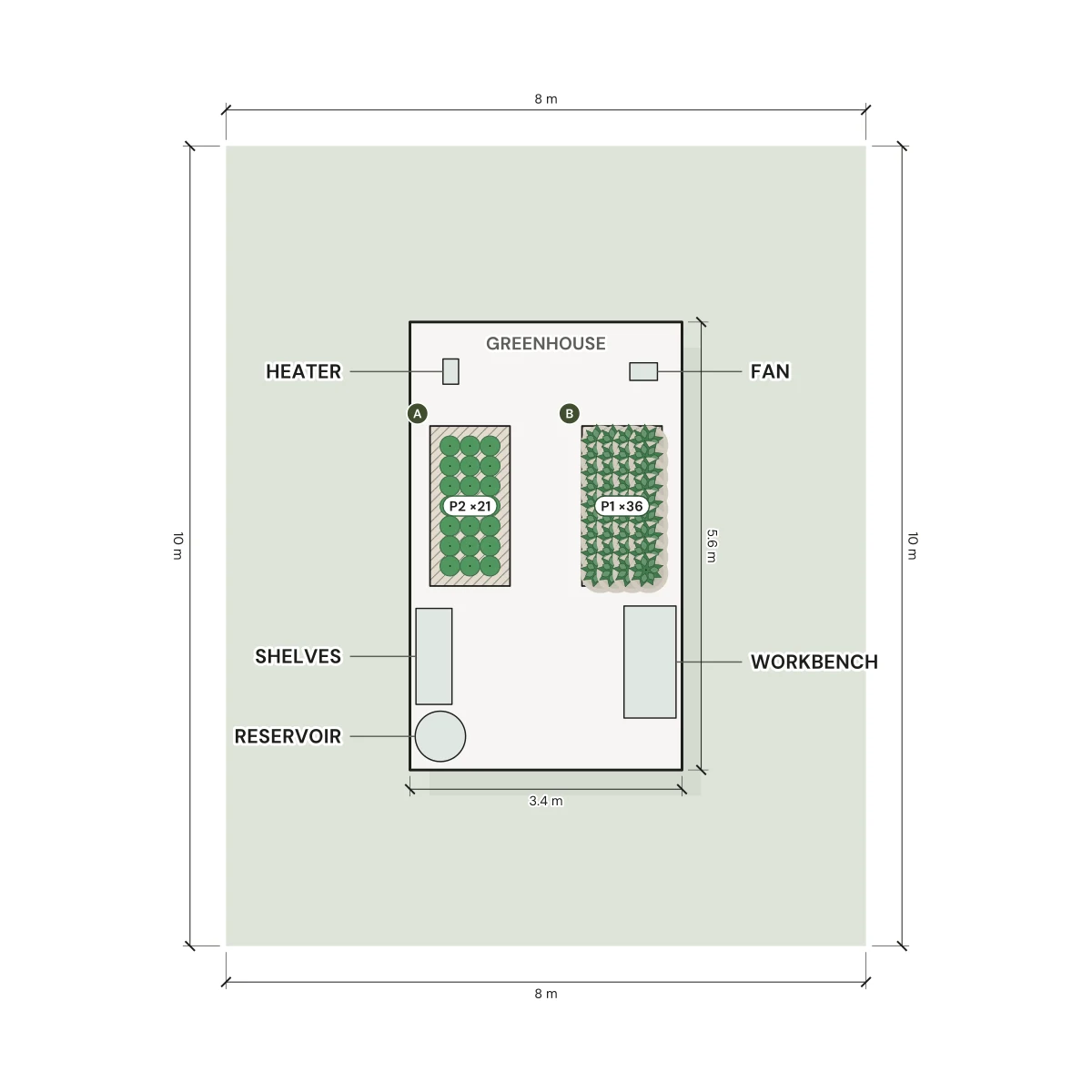
Your greenhouse.
The real GrowDraft tools.
Choose a Planta model or use your own outside measurements, then work in the same editor as your garden.
Start with your space
Choose a greenhouse or enter its outside measurements in feet or metres.
Arrange what goes inside
Place beds, pots, benches and paths. Adjust their size and position.
Keep it for planting day
Download a planting PDF and editable file. Equipment stays in the editable file, not the PDF. Sign in for online saving.
Before you start
What greenhouse can I plan?
Choose a Planta Sungrow or Sigma (Gen III), or enter your own gable greenhouse’s outside measurements. Arrange beds, plants and equipment in the GrowDraft editor, with 3D and overhead views.
Can I use feet or metres?
Yes. Use feet or metres. For a custom greenhouse, enter the width, length, ridge height and eave height. You can adjust them in the editor.
How do I keep my plan?
Your draft stays in this browser. Download a planting PDF or an editable GrowDraft file for free. The PDF excludes benches, tanks, paths and accessories; the editable file keeps them. Sign in for online saving. Earlier mini-tool plans keep their original reader.
Does it tell me what will grow?
This is a layout tool. It does not predict greenhouse temperatures, planting dates, heater or fan sizes, or whether a crop will thrive.
Something not working? Tell us what happened